
|
Hey fellas, After spending weeks and weeks attempting to remedy and fix my touch screen problems (erratic mouse behavior and random input switching), I finally gave up and ordered a
|
|||||||
|
|
LinkBack | Thread Tools | Display Modes |
 07-02-2012, 11:00 PM
|
#39 (permalink) |
|
Track Member
 
Join Date: Oct 2011
Location: South Florida
Posts: 882
Drives: 12 PW 370z 6MT Sport
Rep Power: 16   |

Hey fellas,
After spending weeks and weeks attempting to remedy and fix my touch screen problems (erratic mouse behavior and random input switching), I finally gave up and ordered a brand new touchscreen, this time however, a well known and used brand: Lilliput. I ordered a Lilliput 669GL-70NP/C/T HDMI monitor from Mp3Car.com, and also opted for the Direct Fit version. Basically, they modify a dash kit so that once installed, it leaves no gaps and looks OEM inside the dashboard. Here's the direct link, in case you guys are interested: Direct Fit Double Din LCD Touch Screen for 2009-2011 Nissan 370Z And here is the monitor itself, preassembled in the side pieces that mount to the innards of the interior: 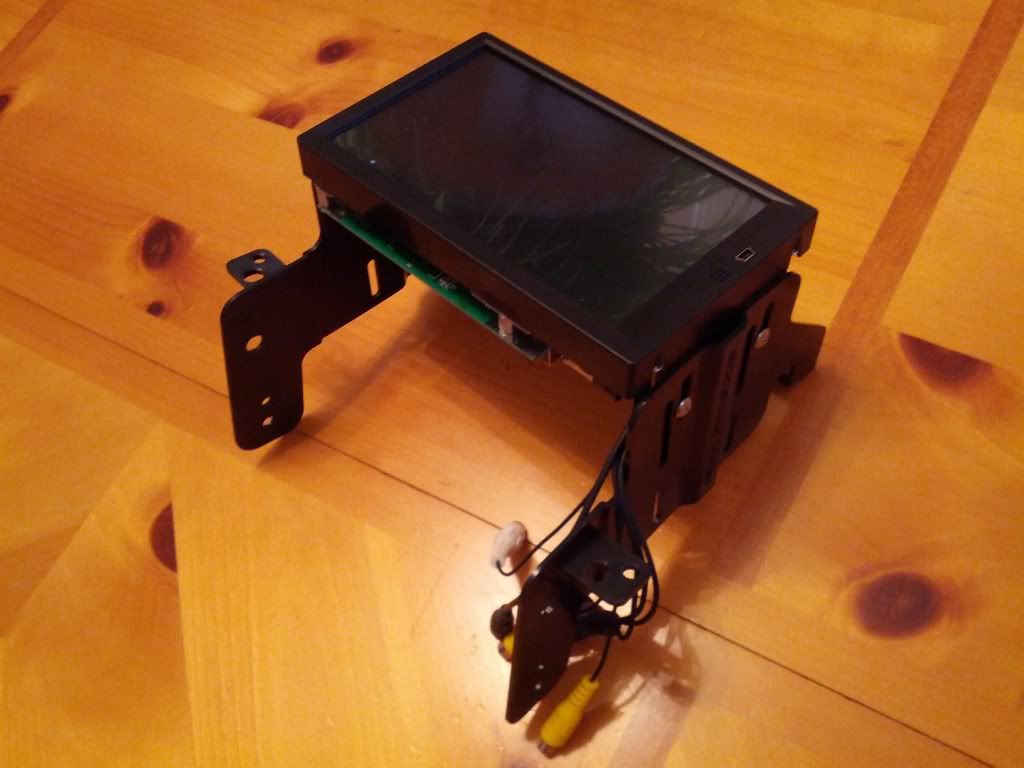 The touchscreen itself is a 4-wire resistive, as opposed to my glass capacitive touchscreen. As such, multi touch is not supported, but you can now use your fingernail or a stylus to touch the screen. I can also report that the resistive Lilliput is a damn sight more accurate touch-wise compared to the MT700 I had. Also, since it has an HDMI output, the image is also more clear and has no wavering effect due to the analog nature of VGA. The Direct Fit kit also includes a face plate made by Scosche that fits over the monitor, giving it that clean, OEM look. Here's test fitting the whole kit in my car (Note that the monitor has a gap - I have not attempted to adjust the monitor yet): 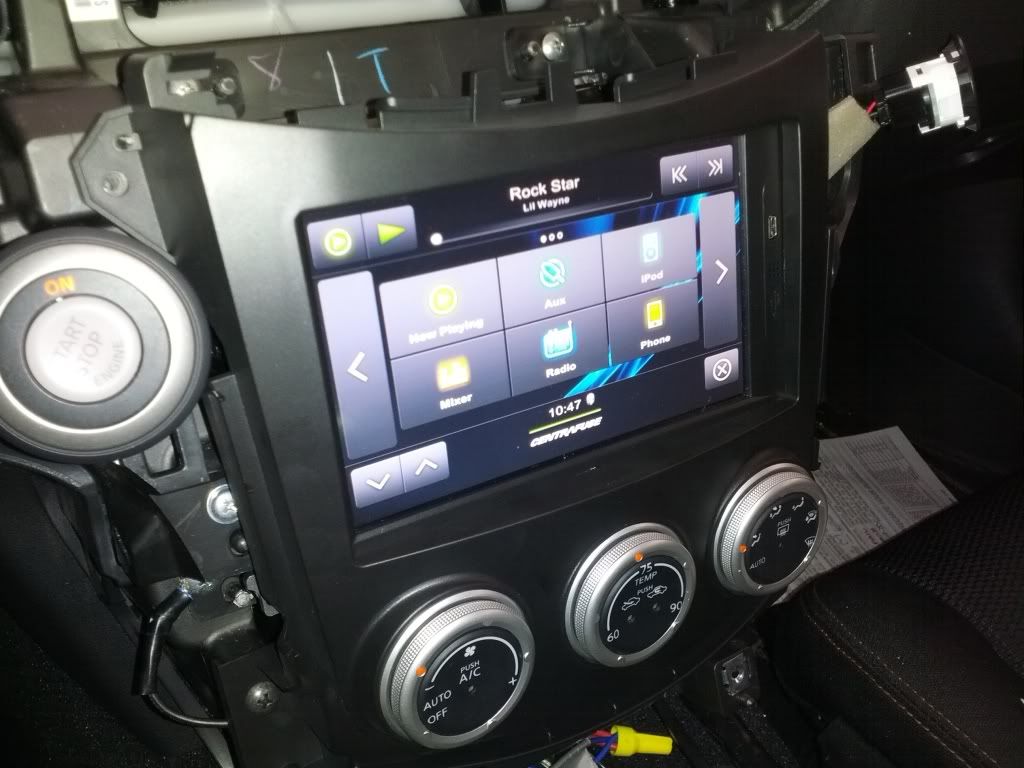 The way the monitor is mounted to the side pieces in the direct fit kit, you can move it back and forth, to make it fit snugly to the faceplate. I had to adjust it several times, until I became satisfied with the fitment. You can see in this picture how snug the unit fits - the top could be adjusted just a hair more, but in person, and without a camera flash, you could really never tell there was a gap. The flash makes it seem larger than it is. I'm too lazy to go back through my dash to just move it a hair.  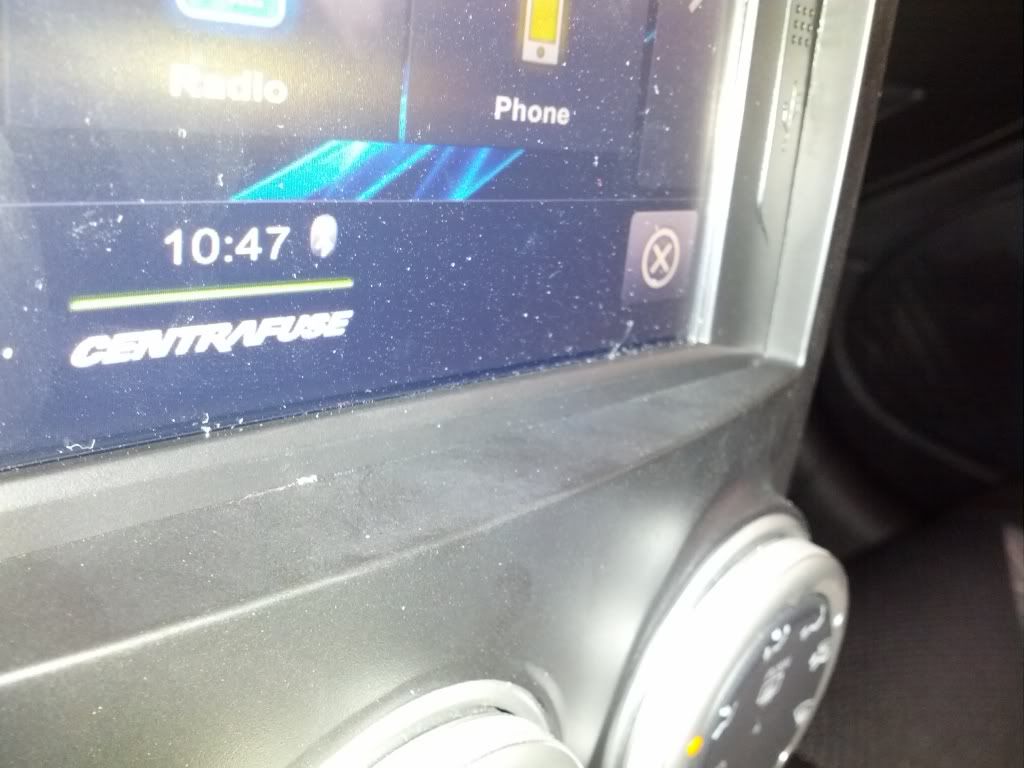 And here is the finished product: 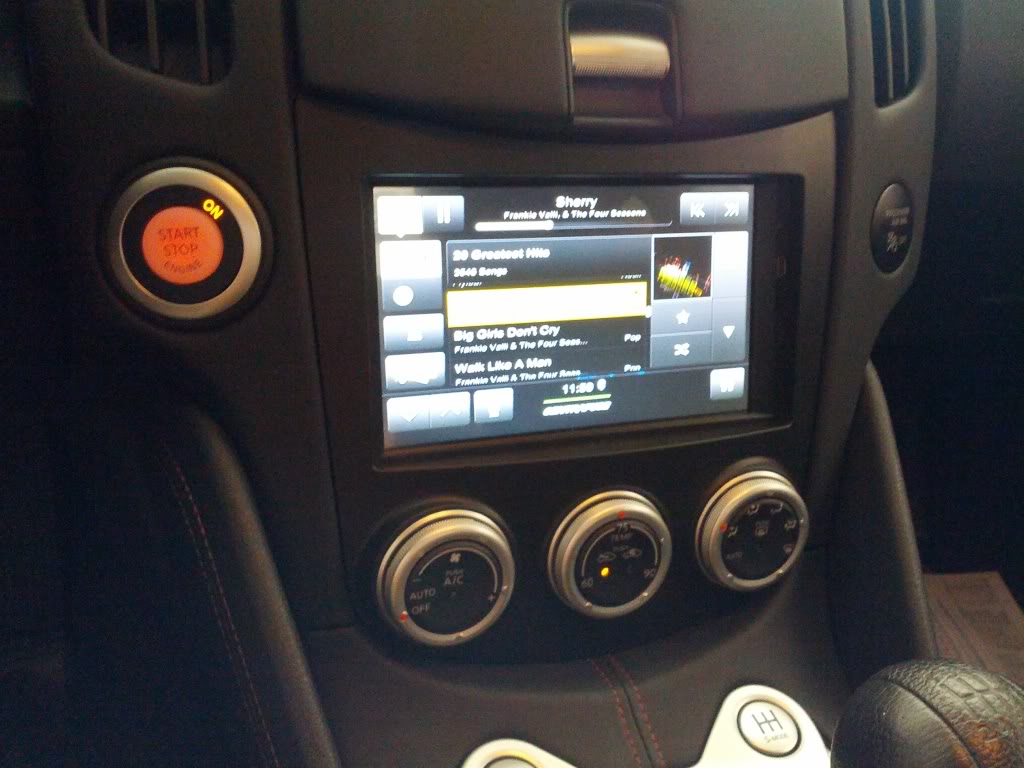 I have had this Lilliput installed in my car for over a week now, and I can say there is not a single issue whatsoever with the touch screen. It works flawlessly, detects every single input, and exhibits no bad behaviors. It's well worth the premium over the cheap touchscreen I bought. Especially since the fitment is bar none, clean as it can be. I also haven't attempted to fix the steering wheel controls yet - I'm gonna do more research in the wiring diagrams and figure them out better before I attempt to do it again. I might buy a steering wheel controller adapter for an aftermarket radio, and use the wiring in the kit to make it work, but for now, the screen is awesome, and exceeds my expectations.
__________________
2012 Pearl White 370Z GReddy Twin Turbo  |

|

|
| Bookmarks |
|
|
 Similar Threads
|
||||
| Thread | Thread Starter | Forum | Replies | Last Post |
| pedZ's Build Journal | pedZ | Member's 370Z Gallery | 131 | 05-11-2015 04:46 PM |
| CarPC vs 370Z OEM Navigation System | labk888 | Audio & Video | 22 | 08-27-2012 10:59 AM |
| I guess this will be my "build thread" or..."journal?"... atx370z | atx370z | Member's 370Z Gallery | 15 | 09-15-2010 12:10 PM |
| Need input on upcoming build!!! | ftwayne370z | Nissan 370Z General Discussions | 6 | 05-09-2010 10:43 AM |
| AlexPila's Build-Up Journal | alexpila | Member's 370Z Gallery | 43 | 04-22-2010 07:25 AM |


 7Likes


 Threaded Mode

